

SOLO - 101 SHOWS LATER
Reviewed by John Kimmons
This is my review of SOLO – the show control system that I purchased from Sam Fitton at Trix in May 2025. This may end up being a long post, so strap yourselves in or skip to the last paragraph for a brief summary (SPOILER: I really like it!)
I want to start off by saying that I paid full price for SOLO and have not been solicited in any way to wax lyrical about this device by Sam or anyone else connected with the company. One of the main reasons I’m writing this review is because I had been skeptical about this system and confused about what it was and what it was able to do. Hopefully this may help anyone else with similar misconceptions; or persuade anyone who has bought it and left it in the box to get it out and give it a try!
I’ll begin with a short backstory:
A couple of years ago I was looking for a reliable remote that would work with the GoButton app. My second generation Audio Ape had been discontinued and replacement remotes were sold out, so I knew it was only a matter of time till it would let me down. This is when I first heard about SOLO, but I was less than enthusiastic about it for a couple of reasons:
Firstly, I had spent years learning and working with GoButton and I was finally able to bend it to my will. The thought of switching to an entirely new app and re-building years worth of playlists was pretty unappealing to me.
Secondly, I just could not wrap my head around the idea of scanning RFID tags attached to props to trigger my cues. Where would I place the receiver? How many tags would I need? How would I trigger sound effects if I wasn’t holding a prop? It all sounded so much more complicated than just pressing a button in my pocket to cue the next track.
Luckily for me, a combination of my own laziness and the cueing system I was intending to buy being constantly out of stock led to me to approach Sam two years later at Trix to ask for a closer look at SOLO. It took him a full 5 minutes to convince me to part with my money (and I’m a Yorkshireman).
Six days later I performed with SOLO for the first time at Haven Cala Gran holiday park and now, 101 shows later I feel I’m qualified to write this review.
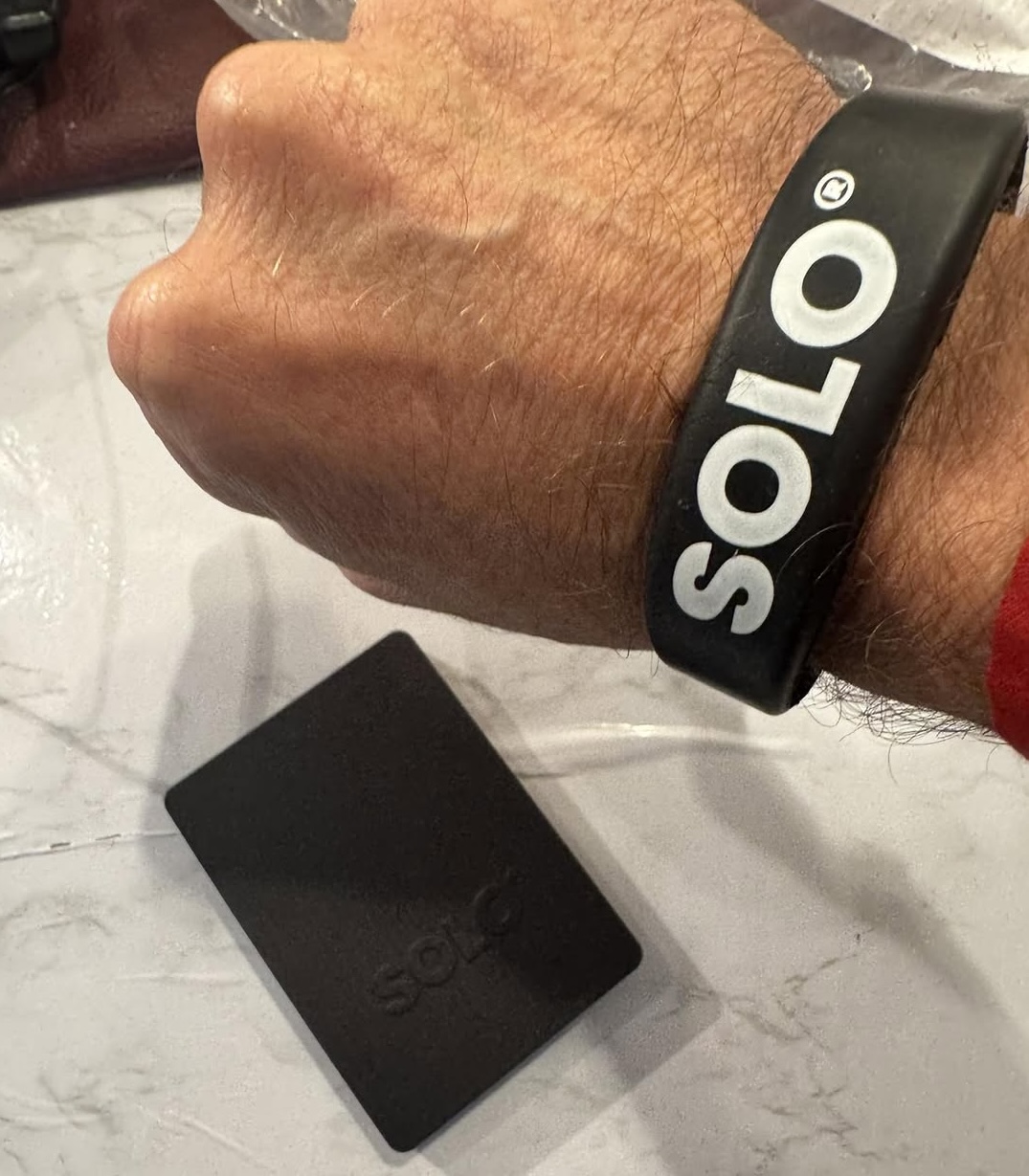
The SOLO hardware is small and very lightweight – slightly smaller than a deck of cards. It is basically a RFID scanner that connects via bluetooth to the SOLOstudio app on your IOS or Android device. So yes, that means you can attach RFID tags to your props and trigger cues with them at any time and in any order, without needing a remote.
I’ve found the unit very reliable – in 101 shows it has never let me down or disconnected mid-show. This includes gigs like the Holiday Village in Turkey, where my iPad was on the sound desk at the back of the outdoor arena and I was still able to fire my play on track from backstage over 200 yards away. That beats my old Audio Ape Mk 2 hands down. Battery life on the Solo unit is great and it lasts a long time on a single charge.
Now let’s talk a bit about the SOLOStudio app. Adding cues and assigning tags to them is very simple and that may be all you are looking for, but the real revelation to me was GO MODE. For someone who was used to building their shows in GoButton, this was a dream come true.
GO MODE allows me to build a playlist and assign a ‘GO’ tag to my SOLO wristband, so that it triggers each cue in order. So basically, instead of pressing a button I can just wave my hand over the SOLO unit to fire up the next track. Honestly, this is the closest I have ever come to feeling like I was performing real magic or using the Force! I’ve also added a ‘GO’ tag to one of my puppet Charlie’s arm rods, so I can effortlessly trigger his sound effects and tracks whilst my right hand is otherwise occupied. My cat puppet has a ‘GO’ tag sewn to his tail!
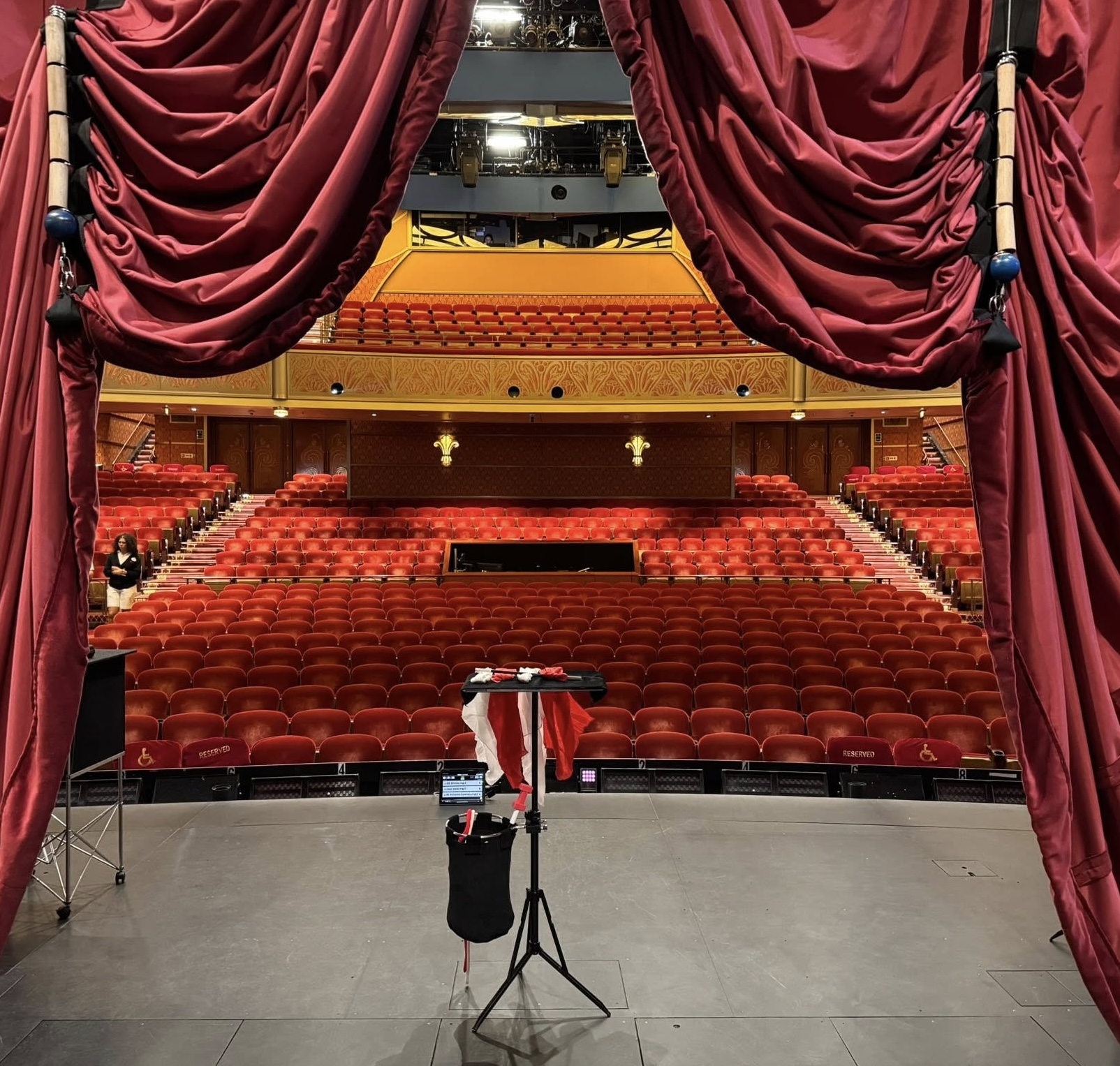
The real magic happens when you combine GO MODE with hits and this really is limited only by your imagination. At the bottom of my various playlists I have added a whole host of hits that are triggered by tags on various props that I may or may not want use in the show. For example, If I’m running short and want to include my ‘Knitty Bang Bang’ routine, one tube starts the music bed loop and the other tube ends the loop with a drumroll at the conclusion of the effect. I have a tag that triggers the Lion King music if a child should walk onto the stage carrying a Simba toy or ask for a Lion balloon. It’s so much fun to use and it has led to the tech guys in some of the parks and theatres genuinely asking ‘How the F**K did you do that?’ That’s a really good feeling!
Before I end this review I want to point out that so far, I have only used SOLO to cue sound in my show but it can do so much more. This tiny little unit can cue images, videos, cameras and use MIDI cues to control QLab, so I really have only scratched the surface of what it can do.
If any of the above sounds complicated or daunting, it really isn’t. Customer service and support is excellent and the SOLOstudio website is packed with easy to follow step-by-step tutorials to help you get started and inspire you to use the system to its full potential.
In conclusion, I can say without any hyperbole that this has been the best cueing system I’ve ever used and I wouldn’t hesitate to recommend it to anyone who uses sound effects and music in their shows. I’m very grateful to Sam and his team for removing so much of the anxiety from my performing experience and making it all so much more fun!
For more info on SOLO and the SOLOstudio app, you can go to: https://solosfx.com/
